01
Stop hunting
No one in the office has to watch the chamber feed or scrub Parliament Live for the right moment.
Please wait while we prepare your content
Parliament Connect detects when your MP speaks, builds the clip, transcript and platform-ready formats, then leaves the final publishing decision with your office.
Built for the standards of UK parliamentary offices
Fast enough for the news cycle. Governed enough for the office.
Clips are prepared automatically, but nothing posts without the office.
Built for the expectations of parliamentary offices and staff workflows.
Office libraries, transcripts and exports are handled with clear ownership.
Owners, admins and users get the right permissions from day one.
Today, social clips often mean watching the feed, finding the moment, exporting, transcribing, captioning, resizing and scheduling. Parliament Connect turns that production chain into a short approval pass.
2 hours
of manual production work becomes a roughly 30-second office review.
No one in the office has to watch the chamber feed or scrub Parliament Live for the right moment.
Transcript, trim, watermark and platform formats arrive together, ready for staff review.
The office moves from production work to final judgement: check the clip, adjust copy, publish.
From the chamber feed to the office approval queue, every production step happens in order before staff decide what goes out.
Built for a busy Westminster day
Staff see finished assets and clear next actions, not a pile of editing, transcription and resizing work.
PMQs, debates and committees are covered from the chamber feed.
Parliament Connect identifies your MP's contribution automatically during the sitting day.
Within 1-2 hours, the speech is searchable, speaker-tagged and ready as a clip.
Staff can trim, add a watermark or keep the sensible defaults before anything leaves the library.
Captions and exports are ready for connected platforms, with final control kept in the office.
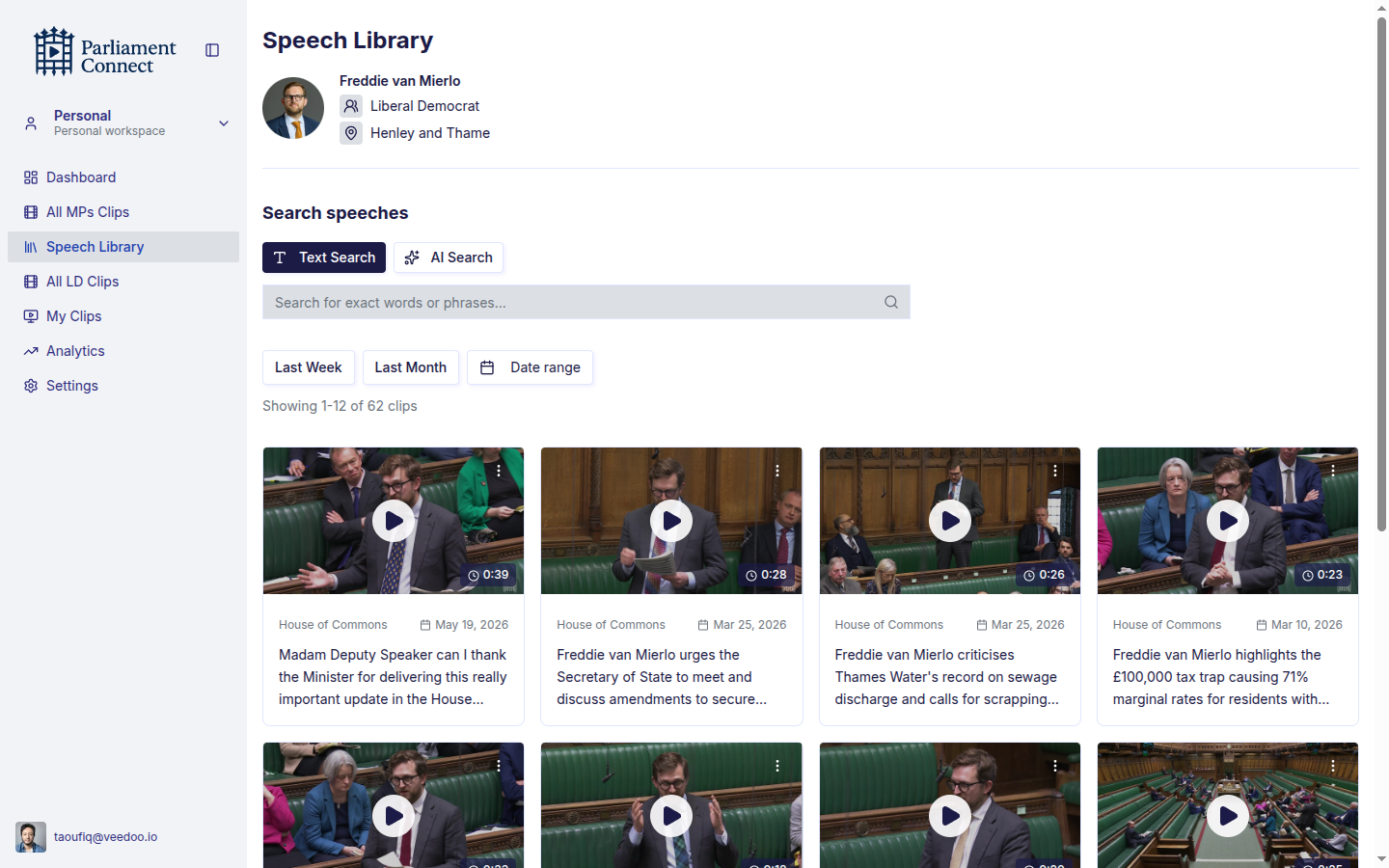
Every detected contribution lands in one library for the office. Search the words you remember, or ask by topic when you only remember what the speech was about.
Use the exact words when staff remember the phrase, name or policy line.
Search by meaning when the team remembers the subject but not the wording.
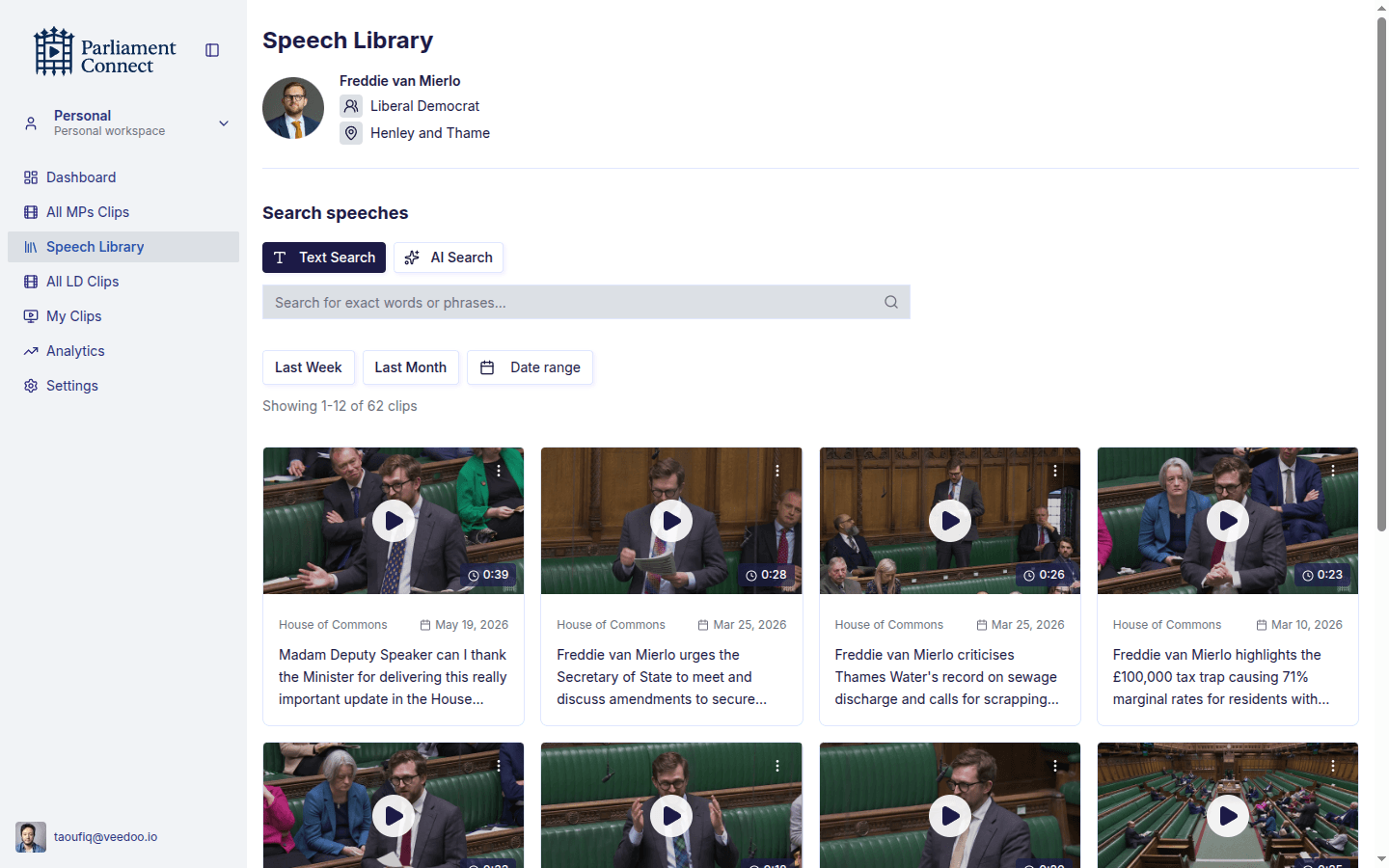
The page should feel familiar to a busy office: newest clips first, search when you need context, edit only when needed, and publish only after review.
No upload, no clipping queue, no staff member watching the feed. Every contribution is detected, transcribed and placed in the MP's library, usually within an hour or two.
Text Search pulls the exact phrase. AI Search finds the moment when you cannot remember the wording. Both work across clips, transcripts and sitting days.
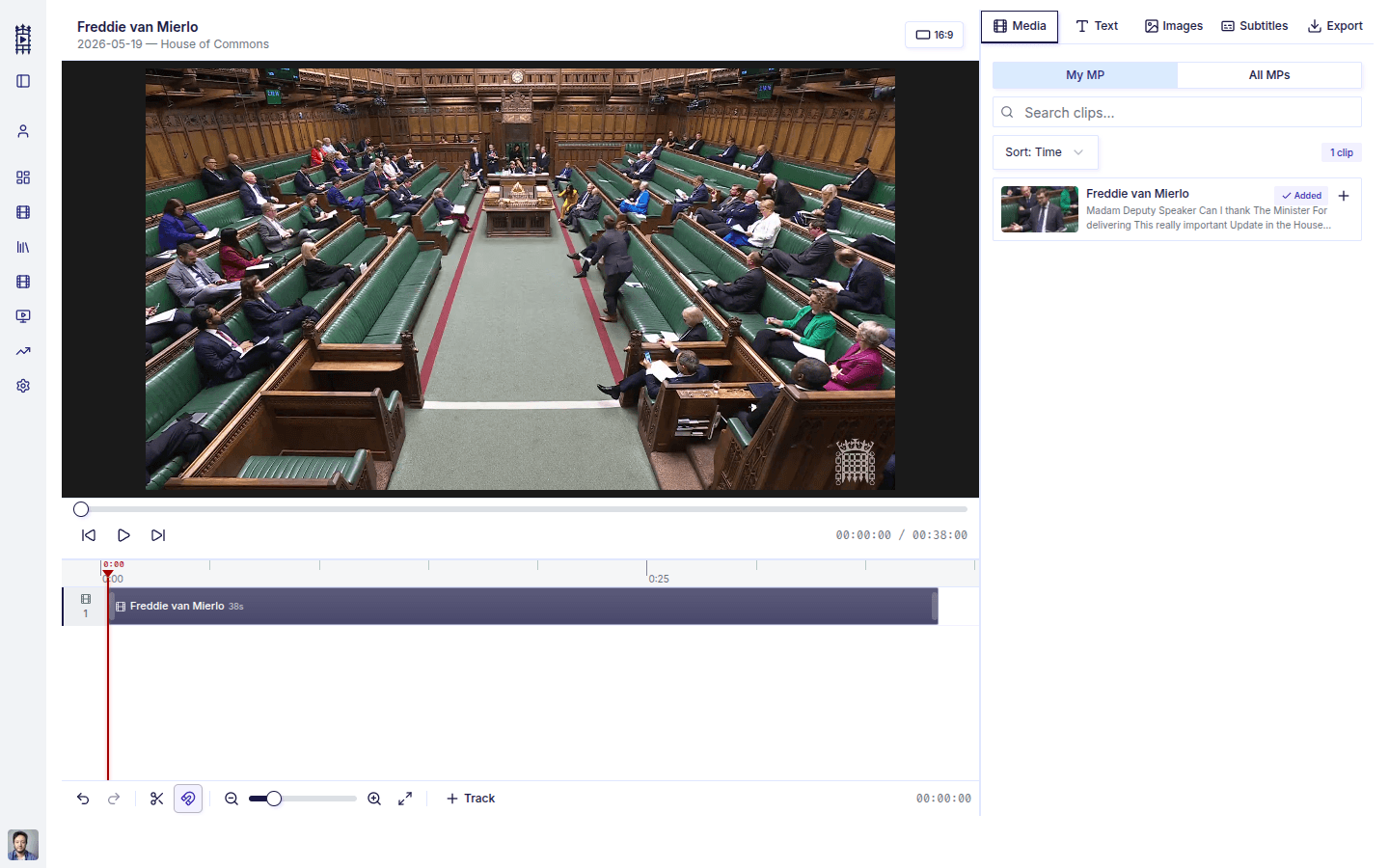
Every detected speech ships with sensible defaults. When the office wants a tighter clip, the editor keeps the transcript, watermark and export settings in one place.
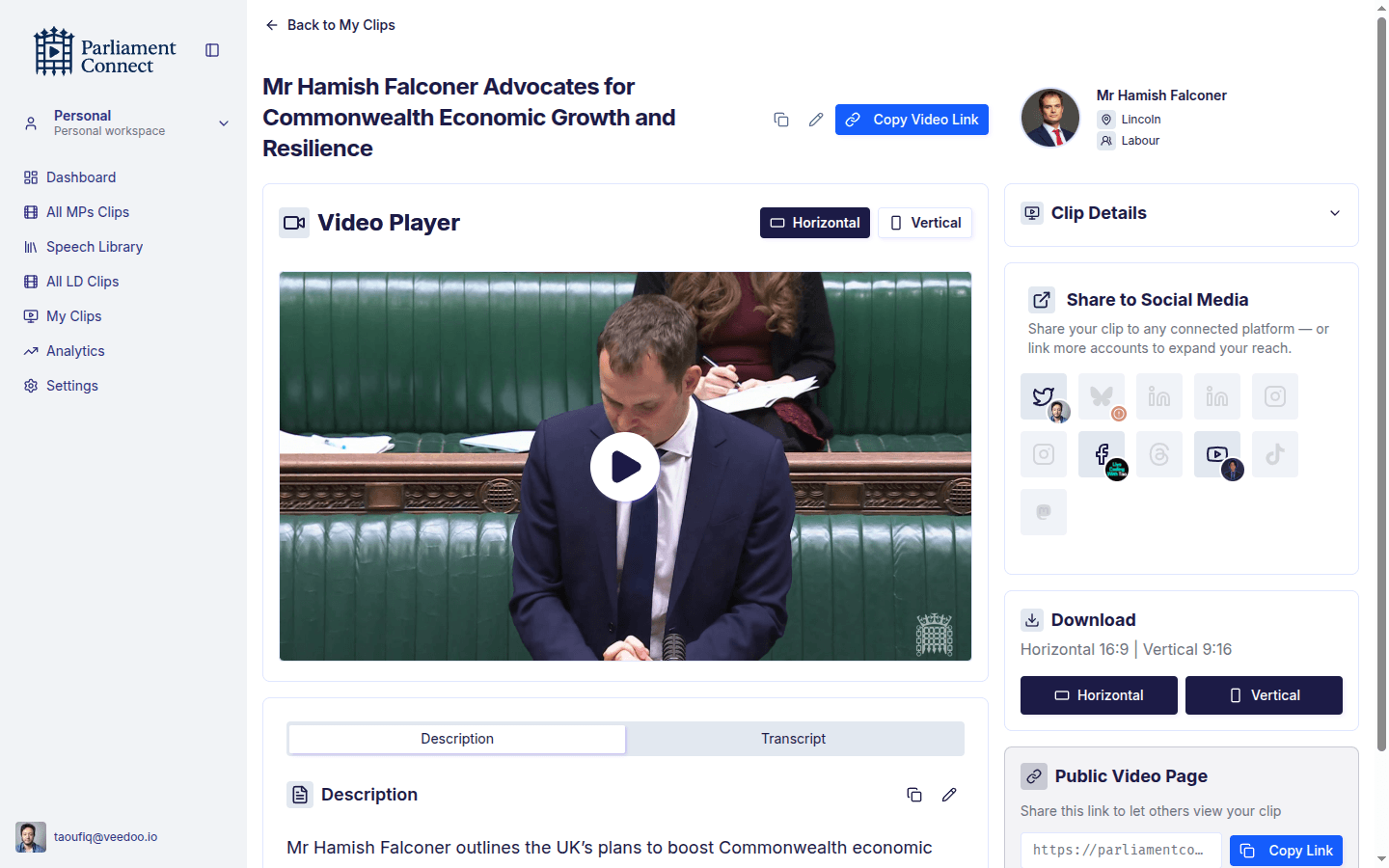
Connect accounts once. Prepare the finished clip for X, Facebook, YouTube and Bluesky, with captions and aspect ratios handled. Or download the MP4 and send it through your existing process.
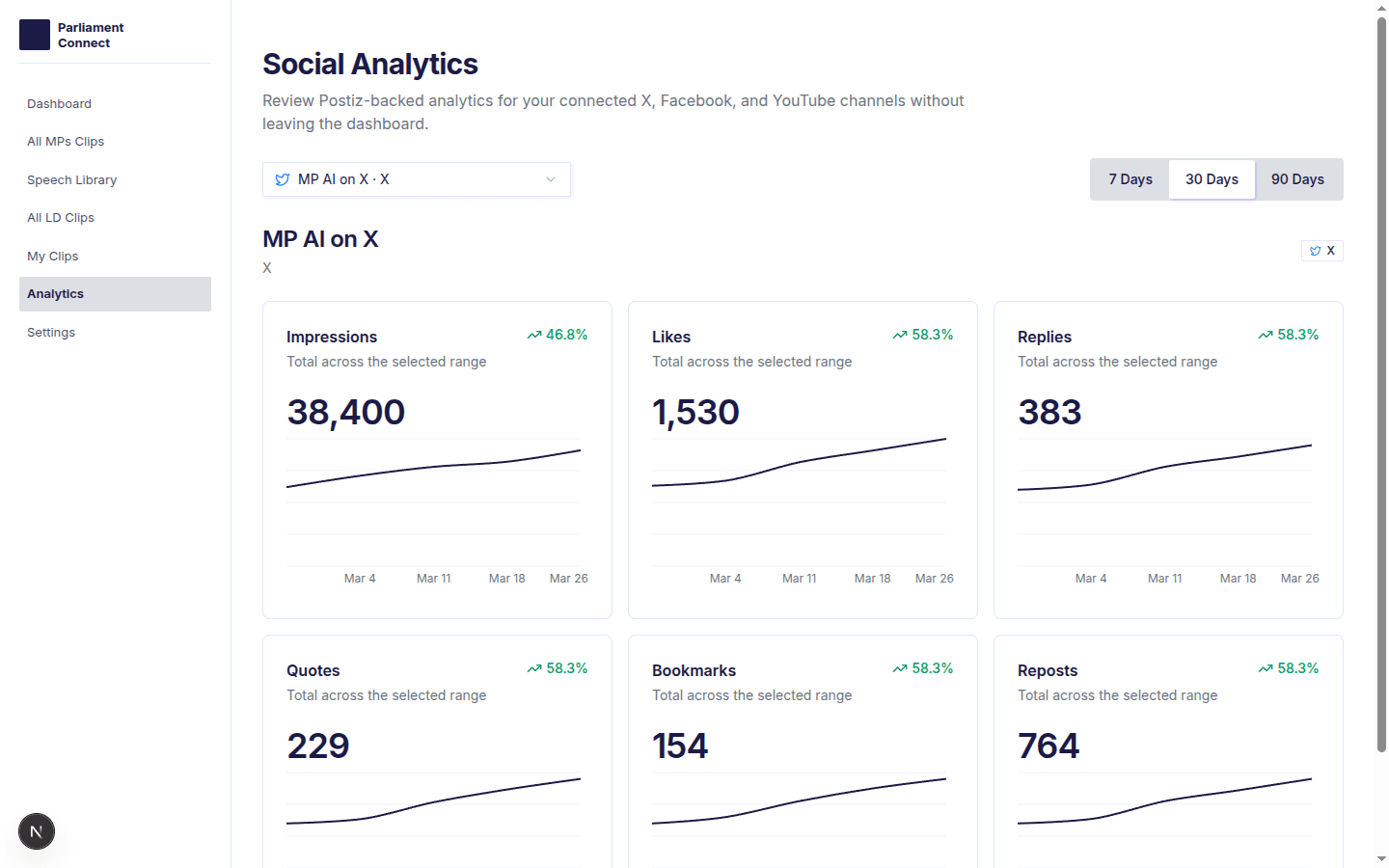
Track impressions, engagement and follower growth across connected channels without building a separate reporting spreadsheet.
The office can publish directly where it is connected today, or download the approved MP4 for any existing workflow.
Connected channels available for direct publishing.
Channels staged for controlled rollout.
Invite the people who already help with communications and research. Give them the right level of access, keep the publishing trail in one place, and avoid shared-login habits.
Office access matrix
Clear defaults for the whole team.
The value is not another content tool. It is fewer handoffs between the chamber, comms lead, researcher and final approval.
“Cut the time my team spends on social media in half. We ship the clip while the news cycle is still on the story.”
Member of Parliament
Constituency
“Search alone is worth it. I can find anything I said this term in seconds — pulled three quotes for a constituent letter this morning.”
Chief of Staff
Westminster office
“First tool I've used that understands an MP office. Roles, audit trail, and the team can actually share work properly.”
Communications Lead
MP office
“We were doing this manually with a researcher on Parliament TV. That's gone. Same output, a fraction of the cost.”
Member of Parliament
Select committee chair
A quick read on account access, detection, ownership, storage, and publishing.
See the workflow
Book a 20-minute walkthrough using the same library, approval and publishing flow your staff would use after a sitting day.